Anthropic began rolling out voice mode in Claude Code on March 3, 2026. The feature adds push-to-talk voice input directly in the terminal — no third-party plugins required.
How it works
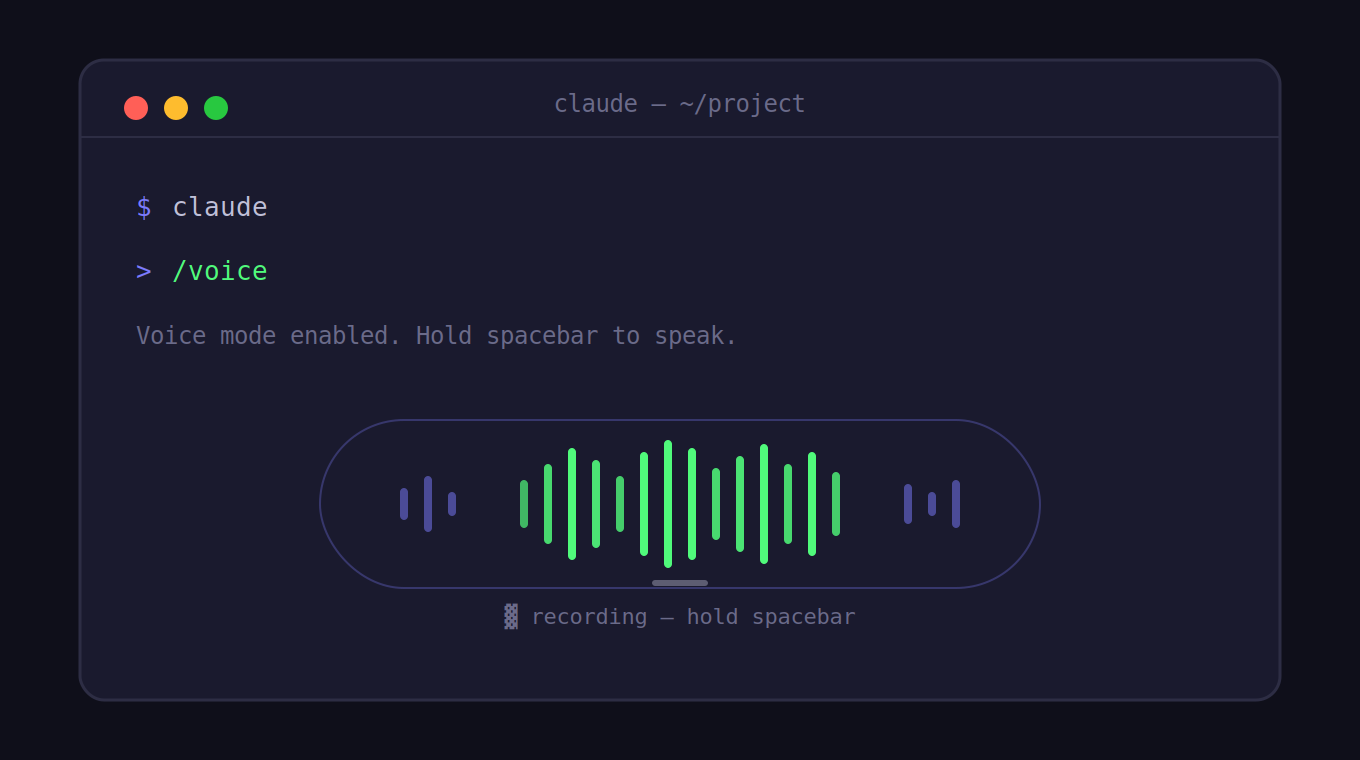
Activate voice mode with the /voice command inside any Claude Code session. Hold the spacebar to speak, release to send. Your speech is transcribed and inserted at your cursor position, meaning you can mix typed and spoken input in the same prompt.
Key details:
- Push-to-talk only — no always-listening mode or wake word. You control when the mic is active.
- Input only — Claude’s responses remain as text in the terminal. There is no spoken output.
- Configurable keybinding — the push-to-talk key can be changed via
keybindings.json(setting:voice:pushToTalk), supporting combinations likemeta+k. - 20 supported languages — English, Spanish, French, German, Italian, Portuguese, Japanese, Korean, Chinese, Hindi, and 10 additional languages added in the March 2026 update.
- Optimized for code — transcription is tuned for technical terms, repo names, and developer vocabulary (regex, OAuth, JSON, etc.).
Availability
Voice mode is included at no extra cost on Pro, Max, Team, and Enterprise plans. The rollout started at roughly 5% of users on March 3 and has been expanding progressively since. If you have access, you’ll see a note on the Claude Code welcome screen.
If you haven’t installed Claude Code yet, the native installer is now the recommended method (npm is deprecated). It requires no Node.js and auto-updates in the background:
# macOS / Linux
curl -fsSL https://cli.claude.com/install.sh | sh

# macOS (Homebrew)
brew install claude-code

# Windows (WinGet)
winget install Anthropic.ClaudeCode
Native installs auto-update automatically. Homebrew and WinGet installs need manual updates (brew upgrade claude-code / winget upgrade Anthropic.ClaudeCode).
The 1 million token context window — available on Max, Team, and Enterprise plans since v2.1.75 — works alongside voice mode, so Claude has full visibility into large codebases during voice-driven sessions.
When voice input is worth using
Voice doesn’t replace typing for short, precise commands. Where it changes things is longer, more descriptive prompts: narrating a bug you’re seeing, walking through architectural tradeoffs, or describing intended behavior without having to formalize it into text first. Speaking averages roughly 150 words per minute versus 40 typed — that gap adds up fast on complex prompts.
It also pairs well with hybrid workflows. Type a file path or variable name, then voice-dictate the context around it. Example: type the file path, then hold spacebar and say “the error handling in this function is swallowing exceptions silently — I want every catch block to log the error with request context before continuing.”
Known limitations
- Not available in the Agent SDK or programmatic
-pmode — terminal interactive sessions only. - No hands-free or continuous listening mode.
- Anthropic has not disclosed the underlying speech-to-text engine.
Voice mode is a small surface-area feature — one command, one keybinding — but it fills a real gap in terminal-based workflows where the input bottleneck has always been typing speed. If you have access, /voice is the only setup required. If not, keep your install current and wait for the rollout to reach you.